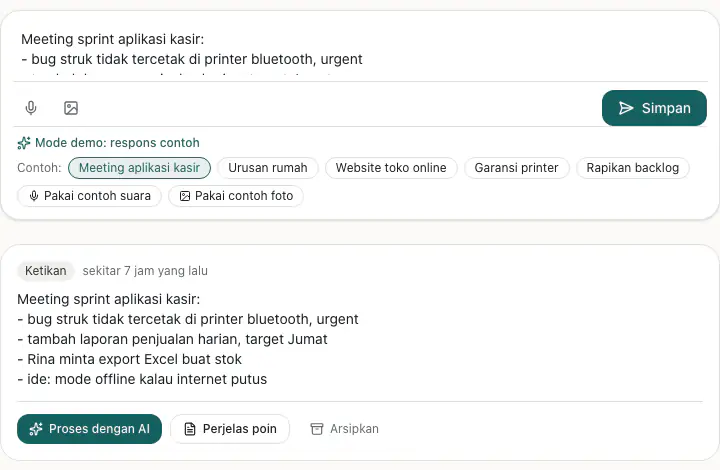
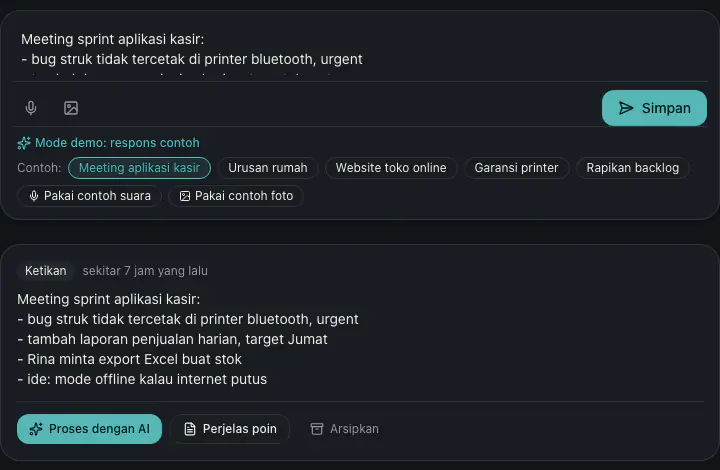
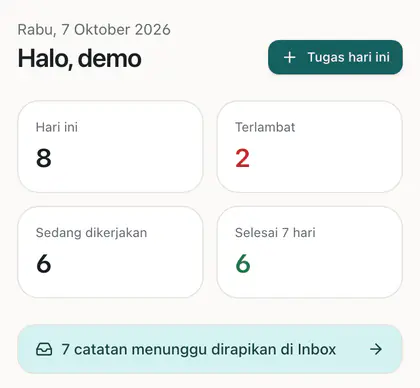
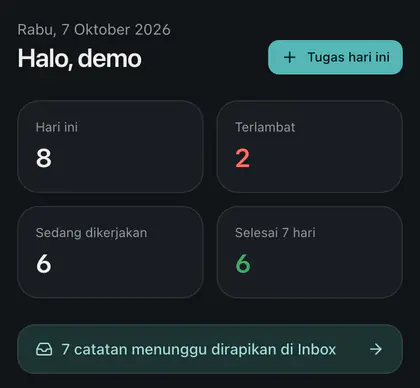
Inbox & AI capture
Type, record a voice note or snap a photo. AI turns it into a clean task or note.
Open source · PWA · MIT
Capture ideas the moment they appear, let AI tidy them up, then manage tasks, block-based notes and team projects in one place.


Everything you need to capture, organize and finish your work in one place.
Type, record a voice note or snap a photo. AI turns it into a clean task or note.
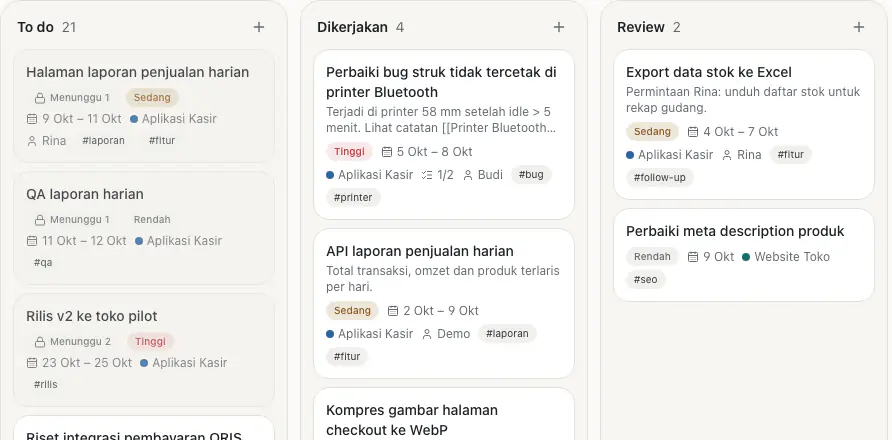
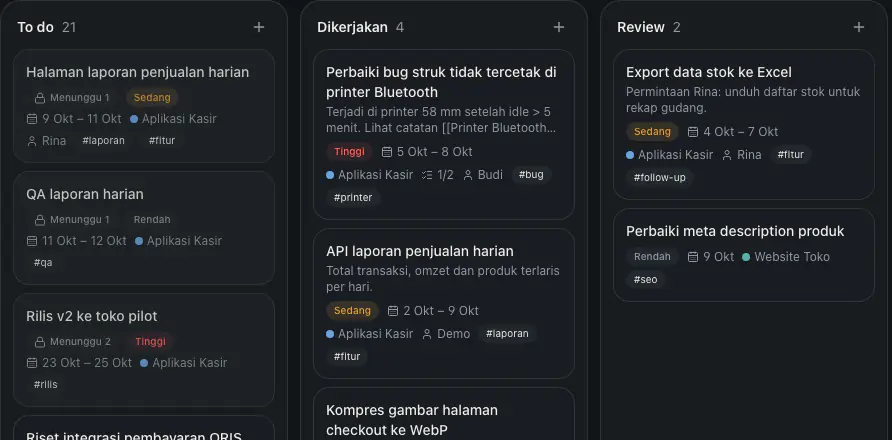
List, kanban, calendar and timeline with dependencies, recurrence and natural-language quick add.
Edit notes live with your team, with per-project access.
Install it on your home screen; it feels like a native app.
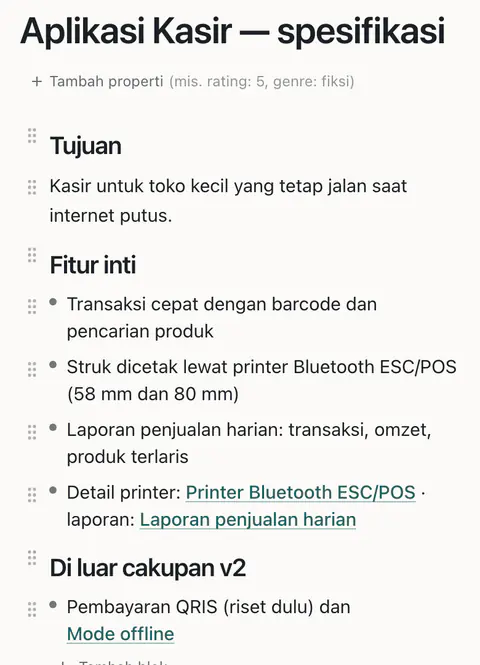
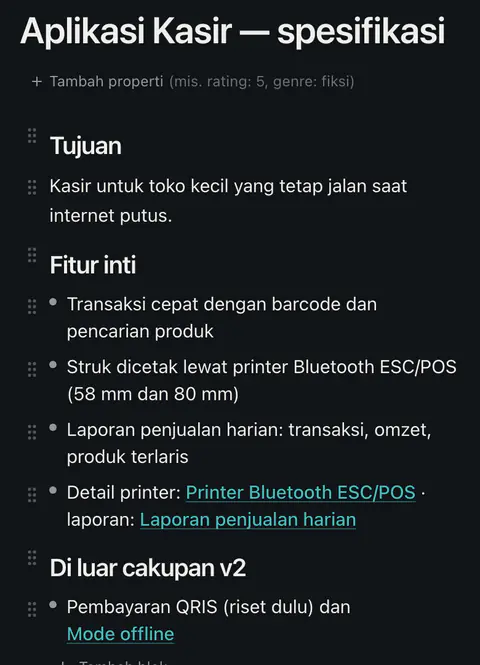
[[Note]] links, ((block)) references, queries and a knowledge graph.
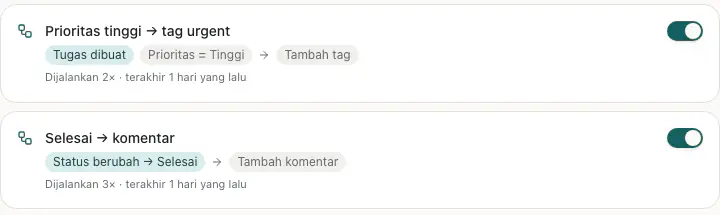
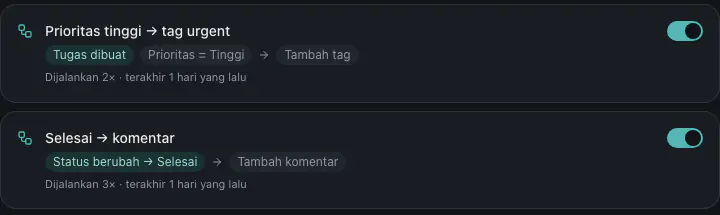
When a status or priority changes, run an action: move it, flag it or send a webhook.
Self-host on Vercel + Supabase. The code is open on GitHub.
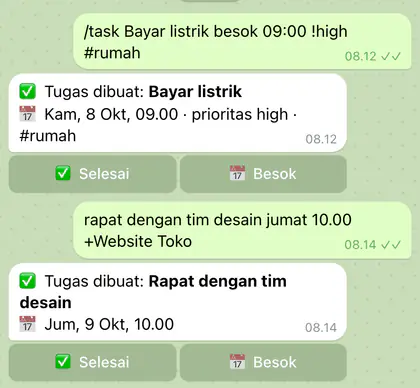
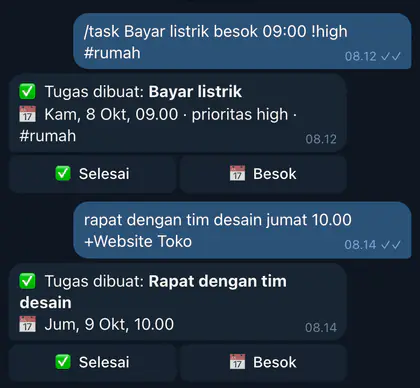
Add tasks from chat, get reminders and sync due dates to your calendar.
From scattered thoughts to finished work, in four steps.
Type, record a voice note, snap a photo, or send it via Telegram or email. It all lands in the Inbox.
AI summarizes the Inbox and splits it into tasks and notes, with dates, priorities and projects.
Organize tasks in list, kanban, calendar or timeline. Dependencies and automations keep things moving.
Block notes link to each other through [[links]] and ((references)) and show up as a graph.
Works with the tools you already use. All optional.
Add tasks, capture ideas, send photos or voice notes, and get reminders and a daily digest.
Dated tasks sync to your calendar through the instance's own OAuth client.
OpenAI or any compatible API (Gemini, Groq, OpenRouter) for summaries, OCR and transcription.
Ready-to-import workflows for the bot, scheduled reminders, maintenance and email to Inbox.
Scheduled backups to Google Drive with an email summary via Resend, plus manual JSON export.
Automations can send HTTPS webhooks to other services when a rule matches.
Proven open-source tools, from the web framework to the database, automation and monitoring.
Run your own instance on the Vercel and Supabase free tiers. Your data stays yours.
Create a Supabase project (Free), run the SQL migrations from the repo, and turn off public sign-ups.
Import the repo into Vercel, fill in the variables from .env.example, then deploy.
Import the workflows from integrations/n8n for the Telegram bot, reminders and scheduled backups.
Yes. The code is open source under the MIT license. You only pay for the services you use yourself (hosting, AI provider), and all of it can run on free tiers.
In the Supabase database of whoever runs the instance. On a self-hosted instance that is your own Supabase project. Access is limited per user and per project by Row Level Security.
Public sign-up is closed by default. The instance owner creates or invites accounts in Supabase, and team members join through project invites.
No. Without an API key the AI features are disabled and the app keeps working, including the local natural-language task parser.
Second Brain is a PWA: you can install it on your home screen, app assets are cached, and recently opened pages stay viewable when the connection drops.
Deleted items go to the trash and are purged after 30 days. To delete your account and all of its data, contact the instance owner. See the Privacy Policy.